




OMTech laser machines use a high-powered laser beam to cut and engrave various materials with extreme precision. The laser vaporizes the material along the designated path, creating smooth and accurate cuts without the need for additional finishing. Adjustable power settings allow for engraving detailed patterns, text, and graphics on school supplies, signage, and student projects. Whether cutting out model pieces for physics experiments or engraving custom classroom decorations, OMTech laser engravers provide a versatile solution for educational environments.
1. Design Your Project
2. Prepare the Material
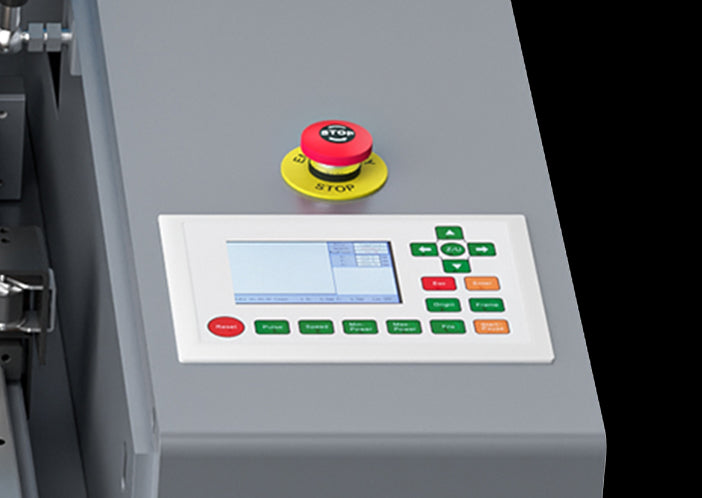
3. Adjust & Start the Machine
4. Complete & Present the Project

Use software like RDWorks, CorelDRAW, or LightBurn to create student projects, classroom signs, or educational tools. Ensure the design fits the material and laser settings.

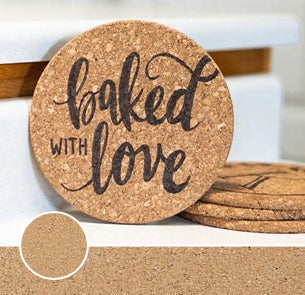
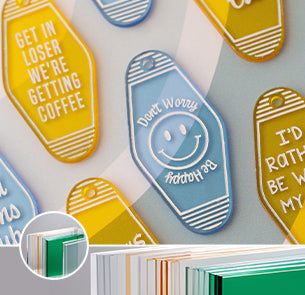
Choose safe, laser-compatible materials like wood, acrylic, or cardboard. Secure the material flat on the laser bed to ensure accurate cutting and engraving.
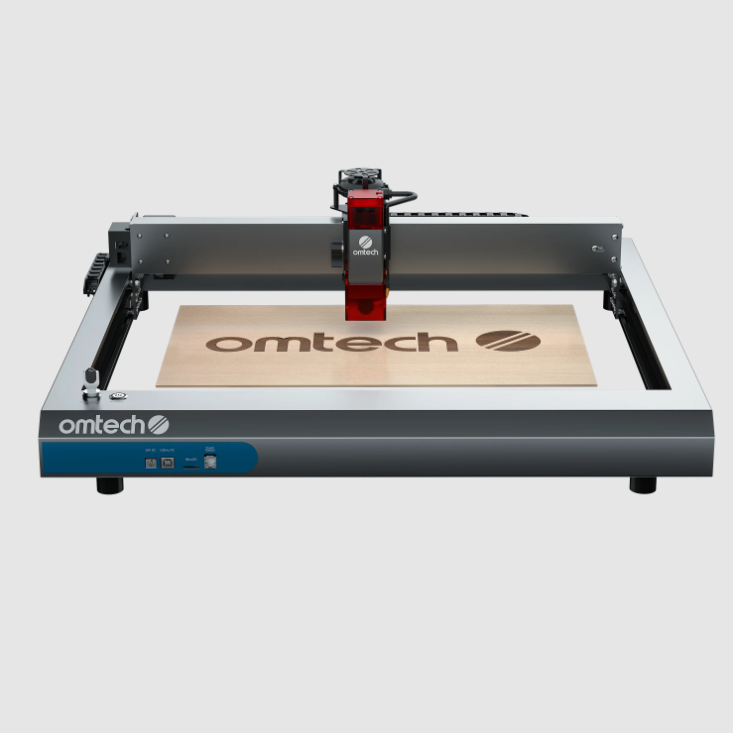
Configure power, speed, and focus settings based on the material and project requirements. Run a test on scrap material before starting the final project.

Once cut or engraved, remove the piece, clean off residue if necessary, and apply paint or sealant for durability. The project is now ready for display or use in the classroom.
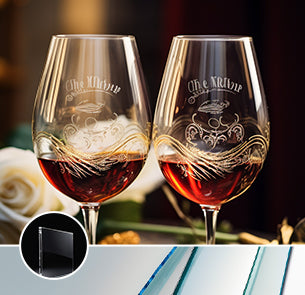
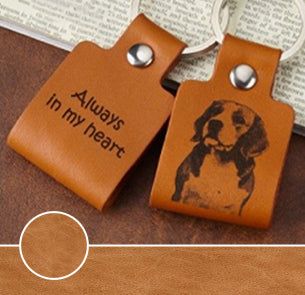
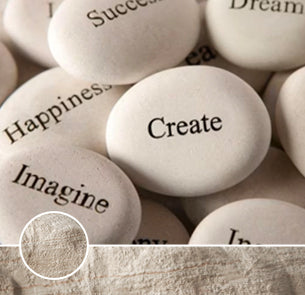
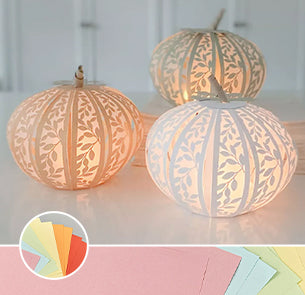
 Versatility
 Power and Speed
 Working Area
 Machine Dimensions
 Accuracy and Precision
 Versatility
Power and Speed
Working Area
Machine Dimensions
Accuracy and Precision
Versatility
Power and Speed
Working Area
Machine Dimensions
Accuracy and Precision

Laser-cut models and interactive tools make abstract concepts in subjects like math, science, and history more tangible and engaging for students. This hands-on approach deepens understanding and encourages active participation in the learning process.

Laser cutting and engraving encourage students to explore engineering, design, and technology through practical projects in robotics, architecture, and product design. This integration of STEM and creative skills prepares students for innovative careers.

Schools can create custom-engraved awards, name tags, and school-branded decorations, fostering a sense of identity and achievement. This personalization enhances school spirit and pride among students and staff.

Create precise, custom-cut models for physics, biology, and engineering projects, making classroom demonstrations more effective and engaging. These models help students visualize complex concepts and enhance their understanding of scientific principles.

Engrave student names or school logos on wooden or acrylic bookmarks and ID tags for a practical yet fun classroom gift. These personalized items promote a sense of belonging and encourage students to take pride in their school identity.
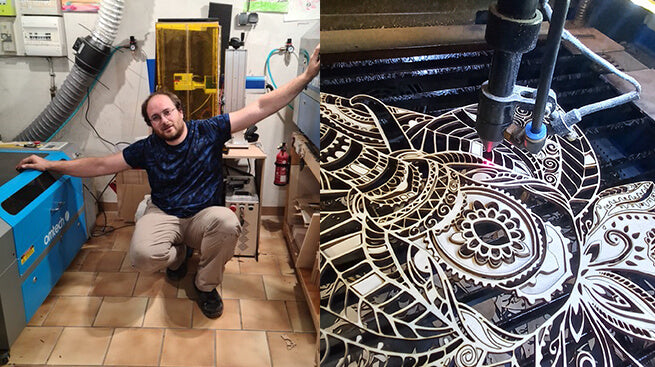
There are many engravings and creations at the Rouen fair. I show different models of exhibits.
(translated from French)
Yohan Laroudie
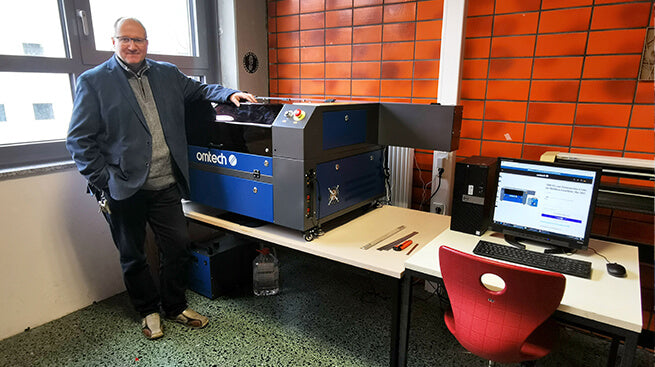
I have been working as a teacher since 1999 and I also teach how to create products with a laser cutter.
The laser cutter expands the possibilities in the manufacture of products. With this device, the students learn how to use the various manufacturing techniques and how to make a wide variety of products. (translated from German)
Michael Fichtner
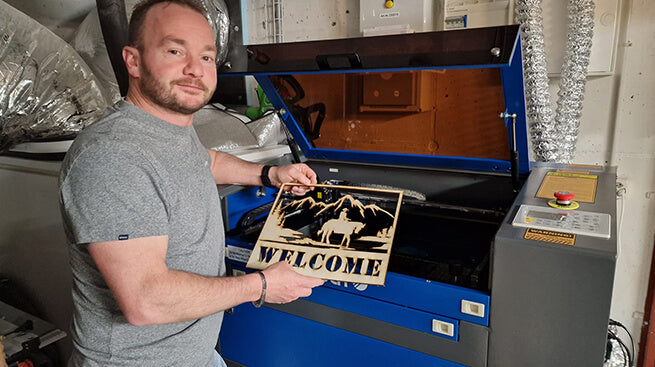
With my 50 watt CO2 laser, I can cut and engrave materials such as wood, acrylic glass, glass, leather, etc. and thus make your wishes come true.
Of course, I would be happy to produce it for you with your lettering and logos.
(translated from German)
Andi Roth
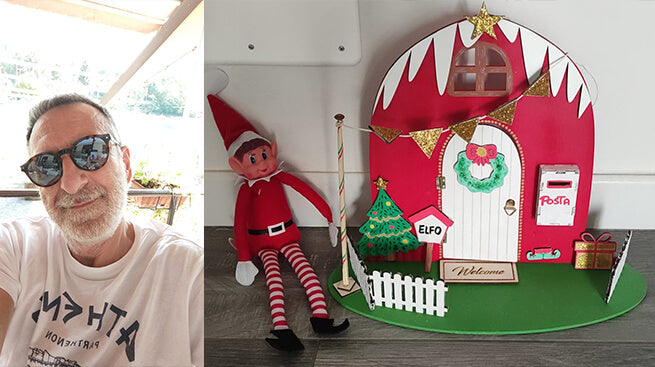
Since November 2022 I don't use the machine for my work, but for my videos on YouTube. I have done many trials and tests to find the different cutting parameters and performance and now I have perfect knowledge of what I can and want to get from my machine.
Gerardo Arcoraci
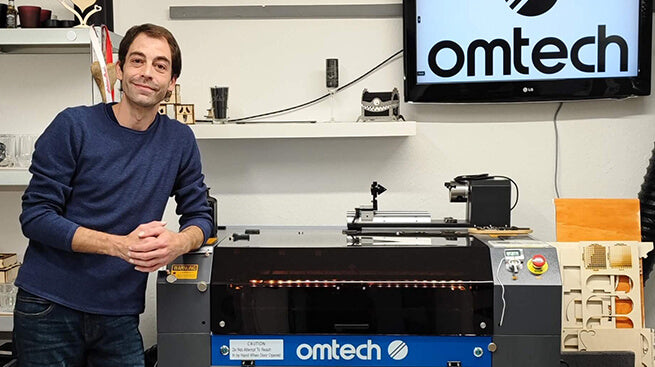
I have always been a creative person who loves crafting and letting my creativity run wild. I love carving wood, glass, and slate. From small boxes to acrylic lamps to small collections, anything is possible. 60W and 70x50cm fit just right. With plenty of space in all directions, I can also work on larger projects.
 Steve Opioka






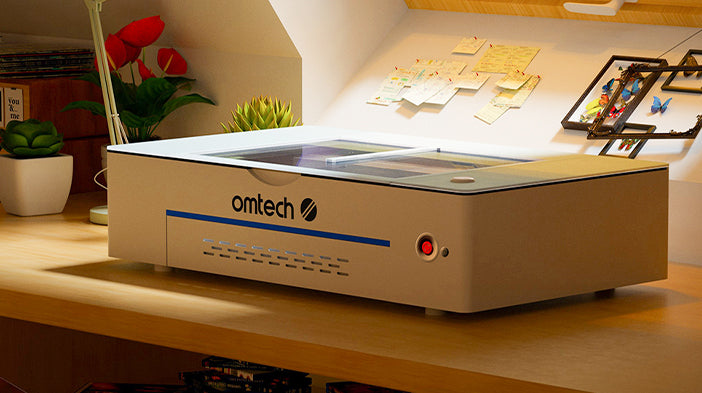
A compact and user-friendly CO₂ laser ideal for school makerspaces, allowing students to engrave and cut small projects like signs, puzzles, and classroom decorations. Its compact size and ease of use make it ideal for introductory laser engraving classes.
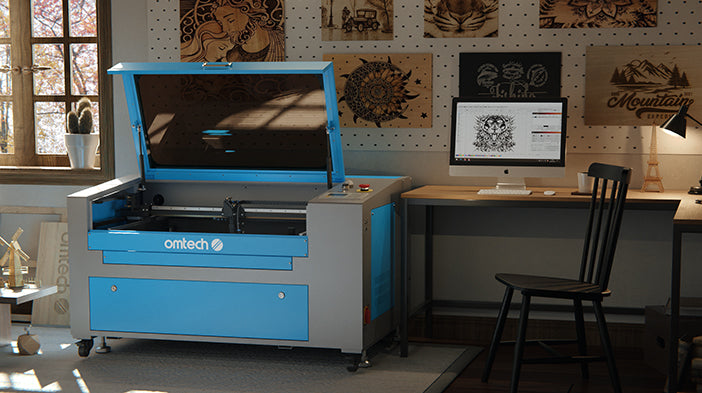
Designed for larger school projects, this machine features a spacious 600 × 400mm work area, ideal for creating school signs, detailed student projects, and educational tools. Its higher power and larger capacity enable more complex and extensive projects, suitable for advanced classes or larger-scale school initiatives.
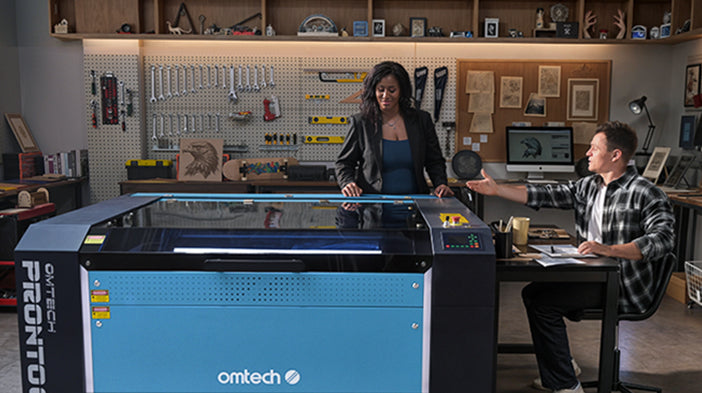
The PRONTO 60 from OMTech 2.0 series offers upgraded engraving speed, efficiency, and safety. Enhanced features include dual protection for the front cover and waste bin door, maintaining its Class 1 safety rating.
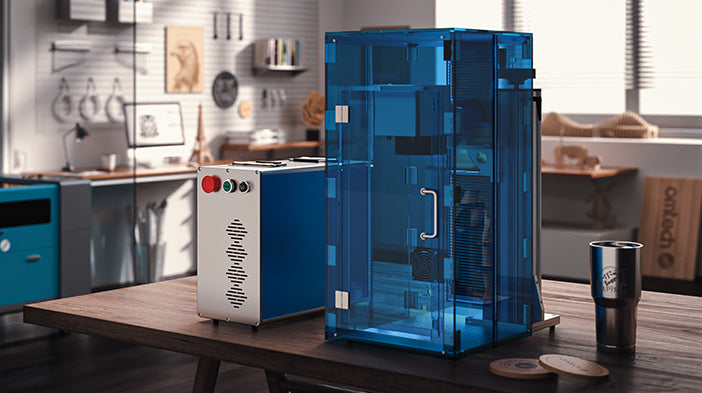
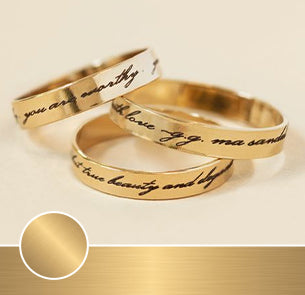
OMTech's 50W fiber laser engraver, equipped with the Galvo-Tech system, offers precise marking at speeds up to 7000 mm/s. Ideal for engraving logos, barcodes, and personalized jewelry on metal and other materials with high accuracy and efficiency.
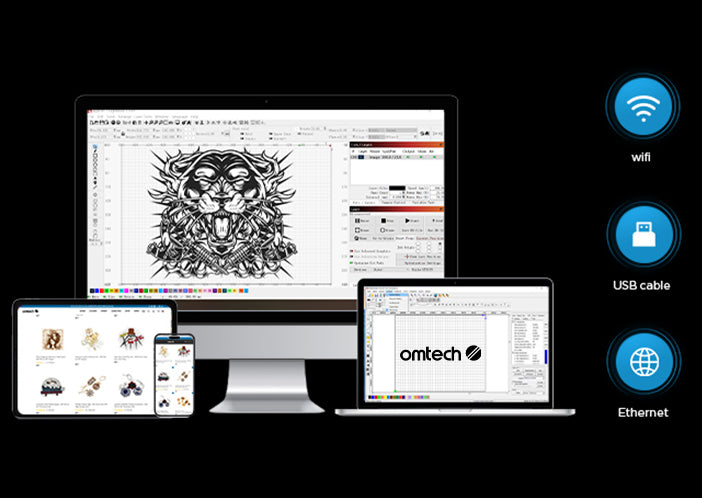
OMTech laser engravers seamlessly integrate with RDWorks, providing an intuitive interface and robust editing tools for precise design adjustments.
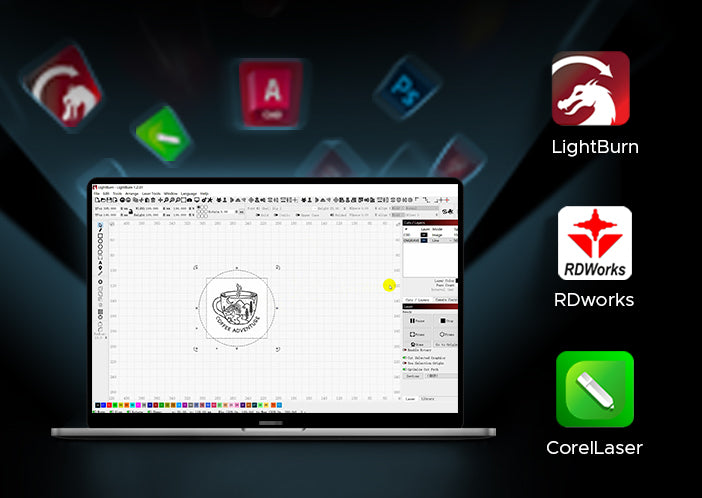
With support for LightBurn, users gain access to advanced control features, enabling detailed customization and efficient management of complex engraving tasks.
The compatibility with CorelDRAW allows for smooth import and creation of intricate vector designs, ensuring high-quality results for every project.


