




Laser cutters use a focused beam of light to vaporize material with exceptional accuracy, allowing you to reproduce even the most intricate design elements—such as lattice windows, staircases, or urban layouts. Unlike manual cutting, laser technology ensures clean edges and consistent results across multiple parts, saving time and reducing errors. Adjustable settings let you cut different materials or engrave fine textures onto surfaces for added realism in your models.
1. Design your artwork
2. Choose Your Materials
3. Cut and Engrave Your Parts
4. Assemble and Finish

Use software like RDWorks, CorelDRAW, or LightBurn to draw your model components. Export the file as a DXF or SVG for laser processing.

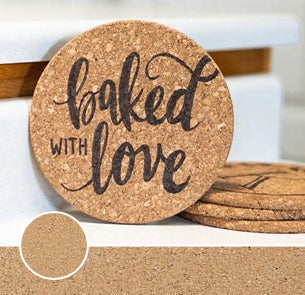
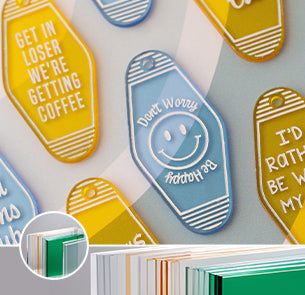
Select suitable sheet materials like MDF, basswood, acrylic, or chipboard. Each offers a different look and structural integrity for scale modeling.
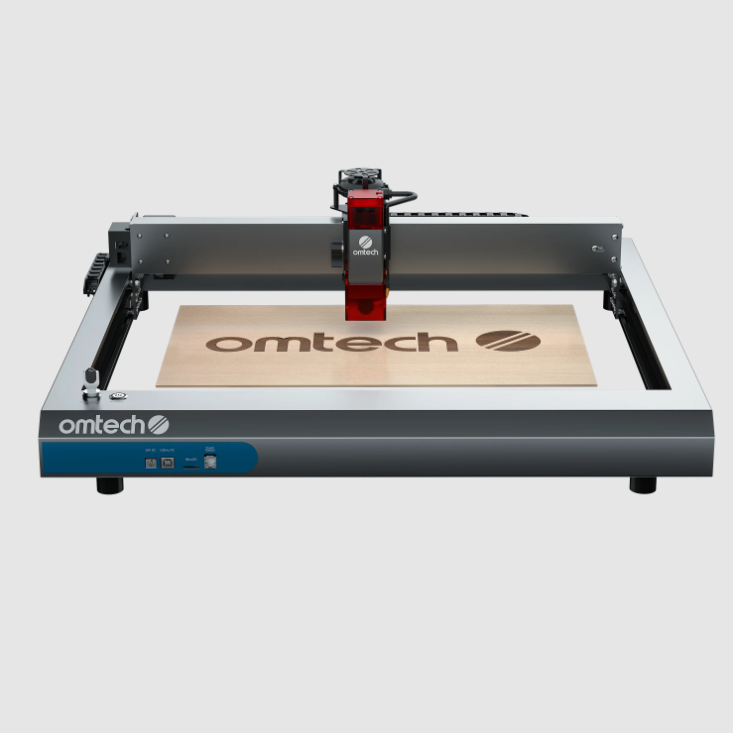
Load your material, adjust your laser settings, and let the machine precisely cut and engrave building elements like walls, columns, or textures.

Use glue, tabs, or interlocking joints to construct your model. Add paint, foliage, or figures to enhance realism and complete your architectural scene.
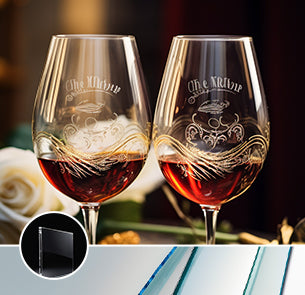
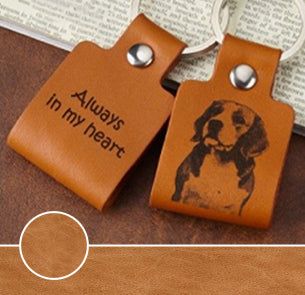
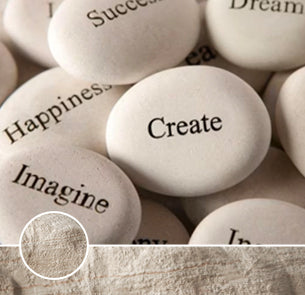
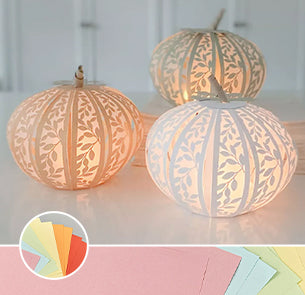
 Exclusive 6% Professional Discount
 Material Bulk Offer
 Exclusive 6% Professional Discount
Material Bulk Offer
Exclusive 6% Professional Discount
Material Bulk Offer

Use your laser cutter to offer on-demand architectural model making for students, freelancers, or busy firms. Many are willing to outsource when deadlines are tight or in-house fabrication isn’t available.

Create laser-cut kits of iconic buildings, minimalist homes, or urban layouts. These DIY kits are great for architecture enthusiasts, STEM programs, or gift shops looking for creative, hands-on educational products.

Collaborate with architecture or interior design studios by offering fast turnaround on scale models, façade mockups, or concept pieces. Your service can help them speed up iteration and impress clients with physical visuals.

Use laser-cut foam board, MDF, or cardboard to stack layers representing elevation changes. Add roads, trees, and structures to bring realistic terrain models to life—perfect for planning outdoor spaces or environmental design projects.

Recreate famous landmarks or local heritage buildings with intricate laser-engraved facades and structural details. These models are ideal for museum displays, educational exhibits, or architecture students studying classical design elements.
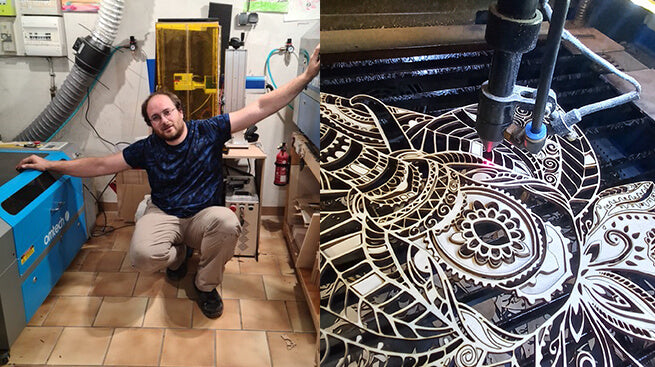
There are many engravings and creations at the Rouen fair. I show different models of exhibits.
(translated from French)
Yohan Laroudie
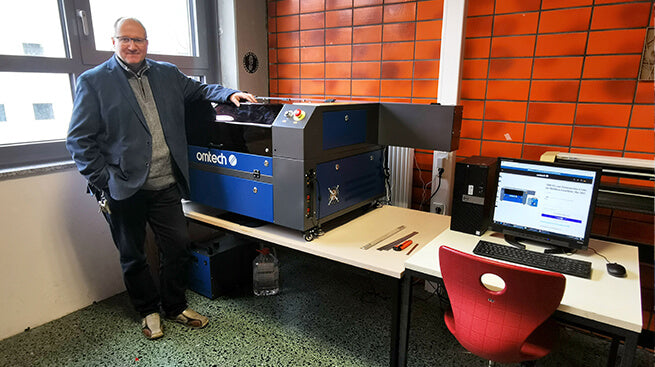
I have been working as a teacher since 1999 and I also teach how to create products with a laser cutter.
The laser cutter expands the possibilities in the manufacture of products. With this device, the students learn how to use the various manufacturing techniques and how to make a wide variety of products. (translated from German)
Michael Fichtner
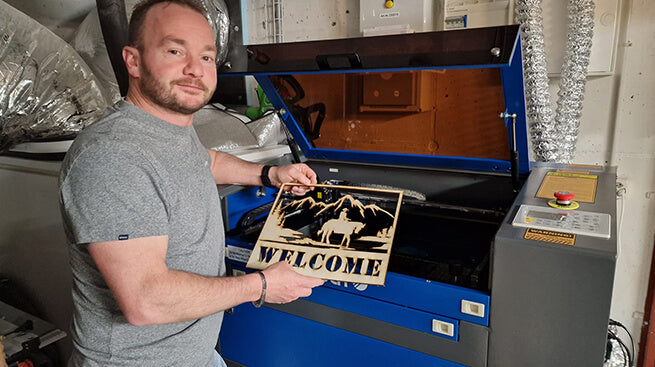
With my 50 watt CO2 laser, I can cut and engrave materials such as wood, acrylic glass, glass, leather, etc. and thus make your wishes come true.
Of course, I would be happy to produce it for you with your lettering and logos.
(translated from German)
Andi Roth
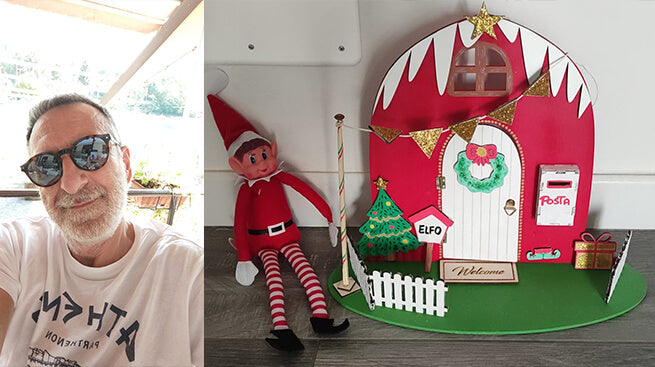
Since November 2022 I don't use the machine for my work, but for my videos on YouTube. I have done many trials and tests to find the different cutting parameters and performance and now I have perfect knowledge of what I can and want to get from my machine.
Gerardo Arcoraci
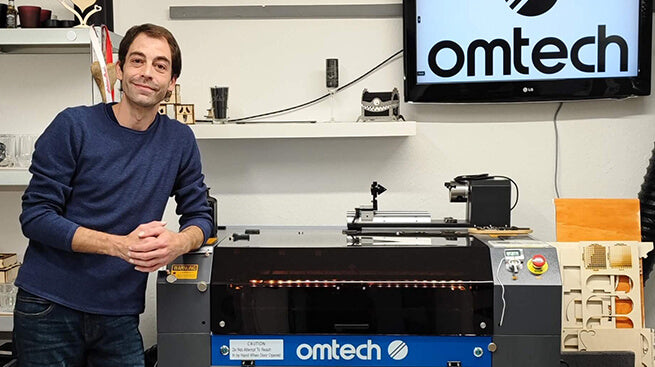
I have always been a creative person who loves crafting and letting my creativity run wild. I love carving wood, glass, and slate. From small boxes to acrylic lamps to small collections, anything is possible. 60W and 70x50cm fit just right. With plenty of space in all directions, I can also work on larger projects.
 Steve Opioka







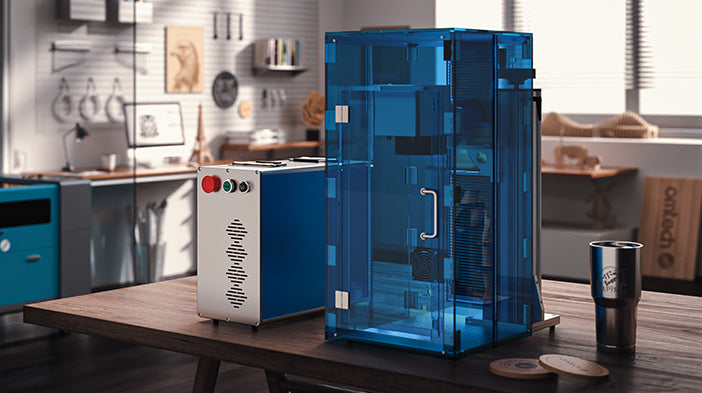
In retail, your display is your brand. OMTech lasers deliver the crystal-clear edge polishing required for high-end acrylic merchandising. Create custom shelving, branded signage, and interactive window displays that capture customer attention and elevate the in-store experience.
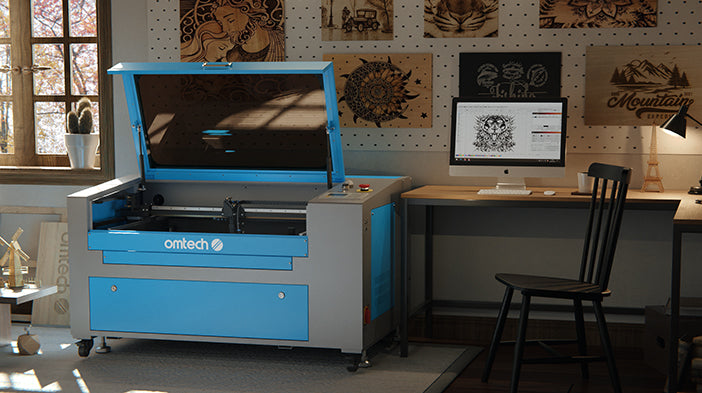
Bring walls to life with texture and depth. Our CO2 lasers allow interior designers to create custom acoustic panels, intricate room dividers, and oversized wall art. Whether working with natural wood, decorative acrylics, or luxury textiles, achieve clean edges that require zero post-processing.
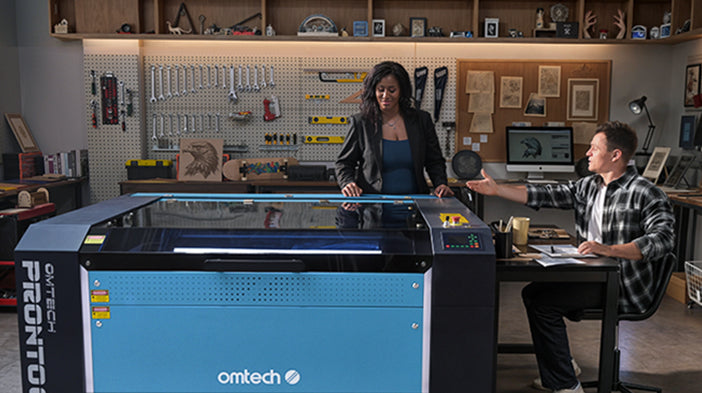
Accuracy is non-negotiable for scale models. Our systems translate CAD drawings into physical components with sub-millimeter precision. Cut complex facades, structural trusses, and landscape contours in seconds, allowing your firm to iterate designs faster and present breathtaking models to clients.
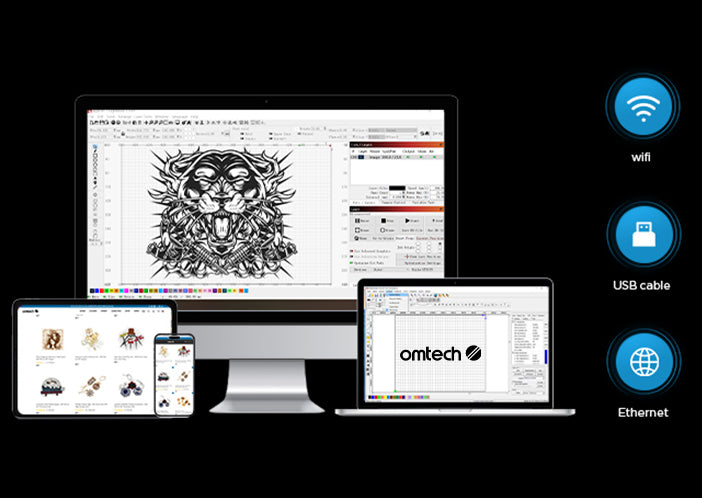
OMTech laser engravers seamlessly integrate with RDWorks, providing an intuitive interface and robust editing tools for precise design adjustments.
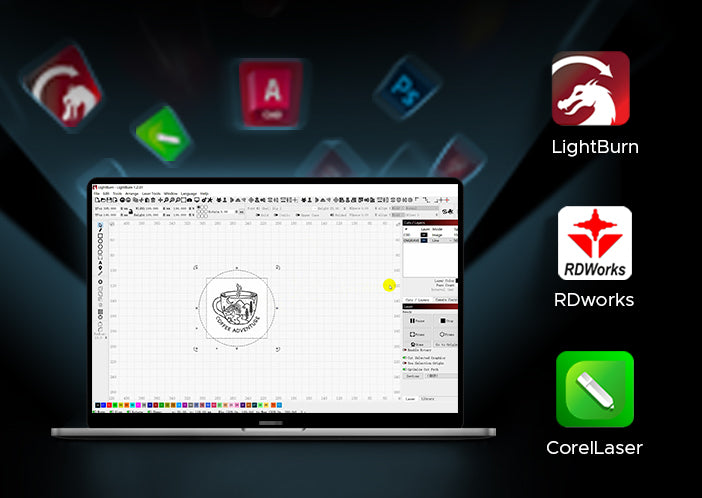
With support for LightBurn, users gain access to advanced control features, enabling detailed customization and efficient management of complex engraving tasks.
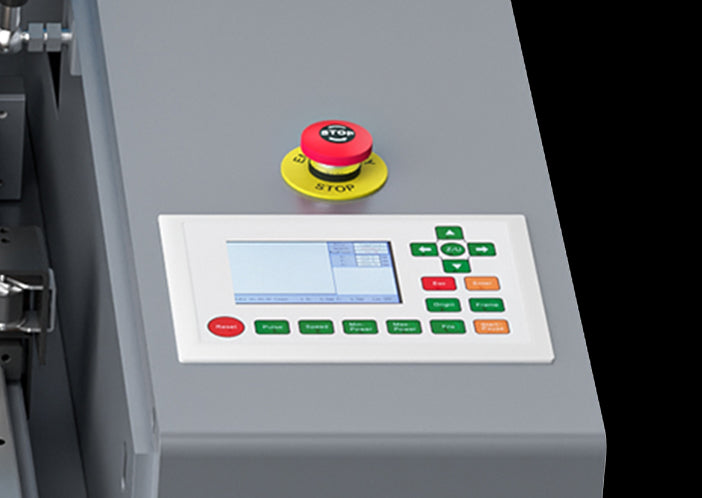
The compatibility with CorelDRAW allows for smooth import and creation of intricate vector designs, ensuring high-quality results for every project.


